
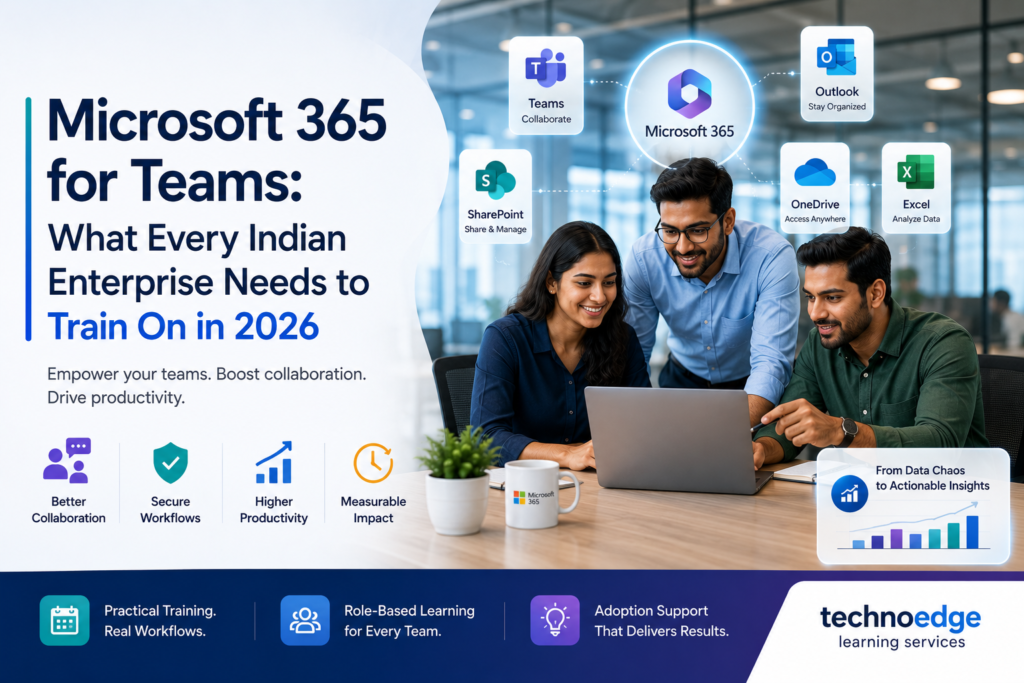
Microsoft 365 for Teams: What Every Indian Enterprise Needs to Train On in 2026
Most Indian enterprises in IT, BFSI, manufacturing, and GCCs already have Microsoft 365 licenses, yet a large portion of their workforce still uses only email and basic file sharing. Advanced collaboration features in Teams, SharePoint, and the wider Microsoft 365 ecosystem remain underused, leading to fragmented workflows, duplicated effort, and missed productivity gains. The solution is structured Microsoft 365 corporate training that goes beyond app features to connect tools to actual business workflows. For collaboration-heavy organisations, focused MS Teams training for employees is often the highest-impact starting point. At Technoedge, we design Microsoft 365 training programmes for Indian enterprises that are role-based, workflow-focused, and tied to measurable productivity improvements across Teams, Outlook, Excel, OneDrive, and SharePoint Why Microsoft 365 corporate training still matters Organisations often assume that because Microsoft 365 is “user-friendly,” employees will figure it out on their own. In practice, this leads to inconsistent usage, shadow IT, and underutilised licenses. Structured Microsoft 365 corporate training matters because it: What usually goes wrong: What good looks like: This is why Microsoft 365 corporate training remains critical in 2026, even for mature enterprises. Core Microsoft 365 tools that are often underused in enterprises Many organisations pay for Microsoft 365 but only use a fraction of its capabilities. The most commonly underused tools include: Microsoft Teams SharePoint OneDrive Outlook Excel Planner and To Do Ignoring these capabilities means organisations are leaving productivity gains on the table. Training helps unlock them. MS Teams training for employees: collaboration, meetings, channels, and file workflows MS Teams training for employees should focus on the core collaboration scenarios that matter most for enterprise teams. Collaboration fundamentals Meetings and video conferencing Channels and workflows File workflows in Teams Security and compliance basics This practical focus ensures MS Teams training for employees translates into better daily collaboration. Outlook, Excel, OneDrive, SharePoint, and workplace productivity training priorities Beyond Teams, other Microsoft 365 tools require focused training to improve workplace productivity. Outlook training priorities Excel training priorities OneDrive training priorities SharePoint training priorities Workplace productivity priorities These priorities should be adapted by role and function to ensure relevance. Role-based learning paths for Microsoft 365 corporate training One-size-fits-all training rarely works for Microsoft 365. Different roles need different depth and focus. Individual contributors Managers and team leads Project and programme managers IT and admin teams Executive leaders Role-based learning paths ensure Microsoft 365 corporate training is relevant and practical for each user group. Measuring adoption and productivity after training Training impact should be measured using adoption and productivity metrics, not just completion rates. Adoption metrics Productivity metrics Qualitative indicators Track these metrics before and after training over 30–90 days to demonstrate impact. How Technoedge helps with Microsoft 365 corporate training, MS Teams training for employees, role-based productivity enablement, and better collaboration workflows At Technoedge, Microsoft 365 training is designed around real workflows, not just app features. We focus on practical skill-building that improves collaboration and productivity across Indian enterprises. Our approach includes: 1. Microsoft 365 corporate training 2. MS Teams training for employees 3. Role-based productivity enablement 4. Better collaboration workflows This ensures that Microsoft 365 corporate training translates into measurable productivity improvements. FAQs 1. Microsoft 365 corporate training: what should be included in enterprise learning programs? Enterprise Microsoft 365 learning programs should cover Teams (collaboration, meetings, channels), Outlook, Excel, OneDrive, SharePoint, and productivity workflows. They should also include role-based learning paths, security and compliance guidance, and adoption support. The content should be tied to real business workflows, not just app features. 2. MS Teams training for employees: which skills matter most for collaboration improvement? The most important skills are using teams and channels effectively, managing meetings and video conferencing, collaborating on files with co-authoring, integrating apps like Planner and SharePoint, and following security best practices for sharing. These skills directly improve daily collaboration and reduce email overload. 3. Microsoft 365 corporate training: which business functions need training first? Functions that rely heavily on collaboration and communication should be trained first: project teams, sales, operations, customer service, and HR. Managers and remote/hybrid teams also benefit early from Teams training. IT and admin teams should be trained to support governance and adoption. 4. MS Teams training for employees: how to improve adoption across large organizations? Improving adoption requires tying training to real workflows, creating champions in each function, providing role-based learning, scheduling follow-up support, integrating Teams into regular processes, and measuring usage over time. Training alone is not enough; ongoing support is critical. 5. Microsoft 365 corporate training: how to measure productivity gains after training? Measure productivity gains using adoption metrics (active users, meeting participation), productivity metrics (reduced email volume, faster processes), and qualitative indicators (user satisfaction, manager feedback). Track these before and after training to demonstrate impact. This turns Microsoft 365 training into a measurable business investment. Connect with us For enterprises looking to improve workplace productivity, Microsoft 365 corporate training often delivers better results when training is tied to actual workflows rather than app features alone. Technoedge can help build that bridge through practical, role-based learning across Teams and the wider Microsoft ecosystem. To explore how this can work for your context, you can connect with Technoedge at: https://technoedgelearning.com